
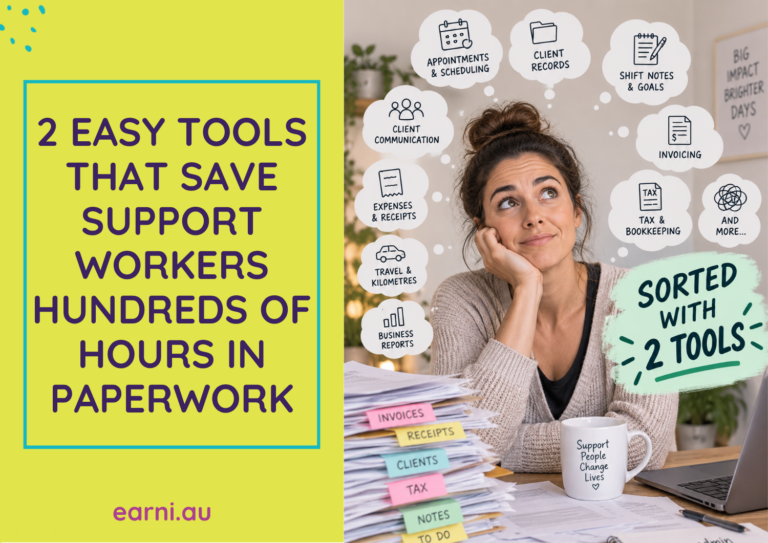
Running your own sole trader or small business means there's a whole lot happening behind the scenes. Appointments, client details & scheduling, appointment or shift notes, invoices, expenses...

How do you generate your own income or payment statement when you don’t work for an employer and are self employed? Being a sole trader is different to working for someone else. We share the easiest...

Struggling to overcome imposter syndrome as an NDIS support provider? Discover practical ways to build confidence, overcome self-doubt, and focus on the difference you're making every day. See how you...

Tax time can either feel like a quick admin task you tick off your list... or a week spent digging through receipts, bank statements and old emails, trying to find ‘what is what’. Why not get on top...
How do you prepare your small business for the new NDIS Price Guide changes that have just rolled out? What do you need to do? How do you ensure you're ready to invoice correctly for the year ahead?...
Looking at your small business finances is easier than you think, and tax time doesn’t have to be stressful or scary. Support Provider tax fear is real for many independent providers managing all...
Working within NDIS world is challenging. For support workers, aged care and allied health providers who have clients that cross over from the NDIS to Non-NDIS, this has it's own admin and time...
Keeping track of your NDIS business expenses can be a pain. And messy. Receipts fade, they get lost, they pile up somewhere. That's deductions; that's money you could be getting back on your tax!...
Finding new clients as sole trader NDIS support worker or provider can feel overwhelming. Where do you start? Often, the simplest things work best when it comes to the NDIS. Here are 5 simple ways...